All-in-One Digital Stamp Maker
Create, Repair, Extract, and Apply Digital Stamps Maker in Minutes
Make clean transparent stamps from scratch, fix blurry stamp images, extract stamps from screenshots, and apply them to documents in one browser-based tool.
No Photoshop needed·
Works in your browser·
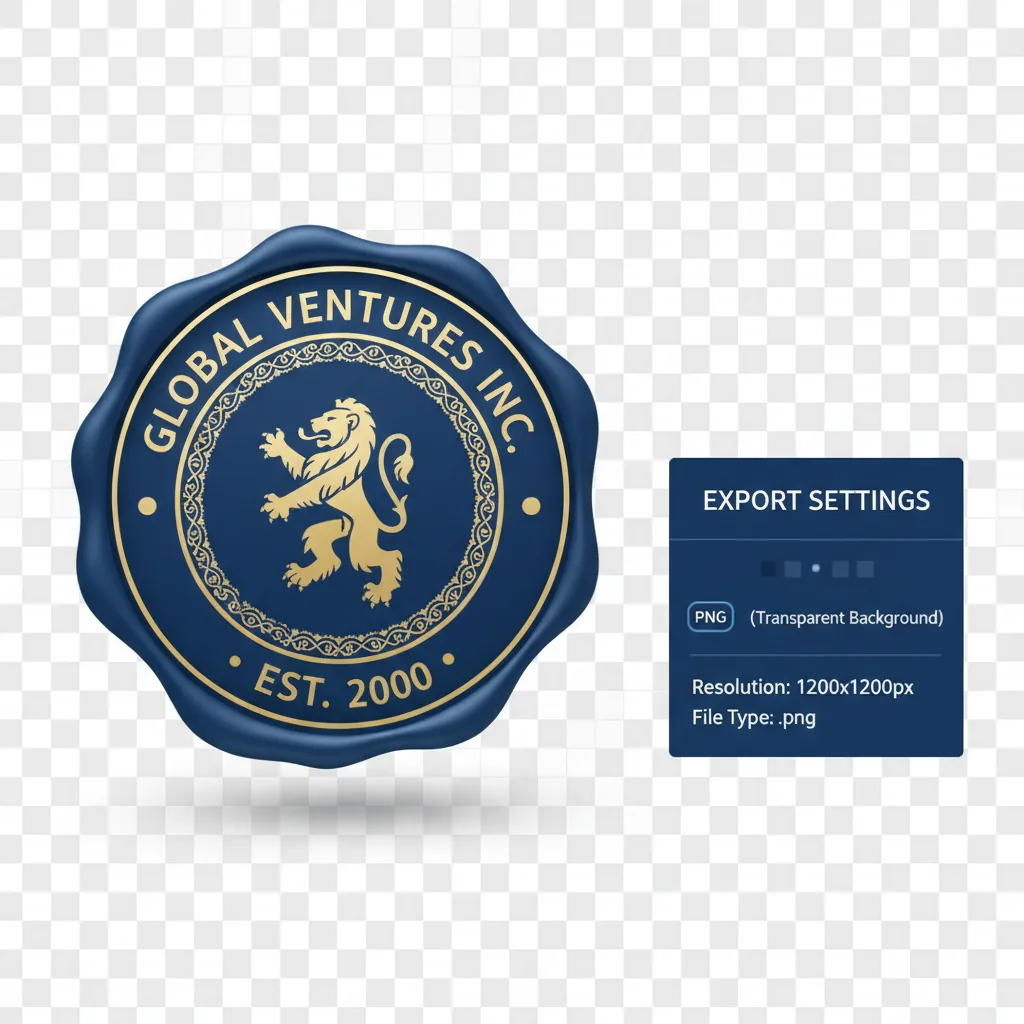
Export transparent PNGs
Create from templates
Repair blurry images
Extract
Extract transparent seals
Apply to documents
AI
AI Summary
Stamp Maker combines creation, repair, extraction, and application in one browser workflow, so you can move from draft to reusable output faster.
4.9(2197)
Why users trust Stamp Maker
Built for reliable stamp workflows
From first draft to delivery-ready files, everything stays in one online flow.
💸
Free to start
Core stamp creation capabilities are available without upfront cost.
⚡
No forced signup
You can try key workflow steps before committing to an account.
🧠
AI-assisted tools
Use repair, extraction, and enhancement support for legacy stamp assets.
🔒
Privacy-minded workflow
Handle stamp preparation in a controlled online editor flow.
✅
Clean outputs
Export reusable results suited for real documents and image scenarios.
👀
Instant preview
See edits immediately and iterate quickly before final export.
Use Cases
Common starting points with our stamp generator
Some users start from nothing. Others start from a blurry scan, a screenshot, or a file that still needs a stamp. Stamp Maker is designed around that full path.
Make + Repair + Extract + Apply


Create your own stamp or company seal
Use templates, text, and layers to build a company seal, organization seal, or business stamp from a blank starting point.
Custom stamp maker for personal name stamps
Quickly create personal name stamps and small business-use stamps for solo professionals and independent work.
Repair blurry legacy stamps
Turn washed-out, blurry, or low-quality old stamp images into cleaner assets that are easier to reuse.
Extract transparent stamps from scans
Pull stamp artwork from scanned files, photos, or screenshots so it can be reused in later editing and delivery steps.
Apply stamps to PDF contracts
Move from a cleaned-up stamp asset into contracts, agreements, and other PDF document workflows.
Prepare invoice and receipt assets
Create cleaner, more consistent stamp results for invoices, receipts, and finance-related files.
Add seals to e-commerce graphics
Apply brand seals, approval seals, or trust marks to product images, service notices, and campaign graphics.
Adjust red and black stamp styles
Tune color, opacity, and overall appearance so the stamp fits different output and document contexts.
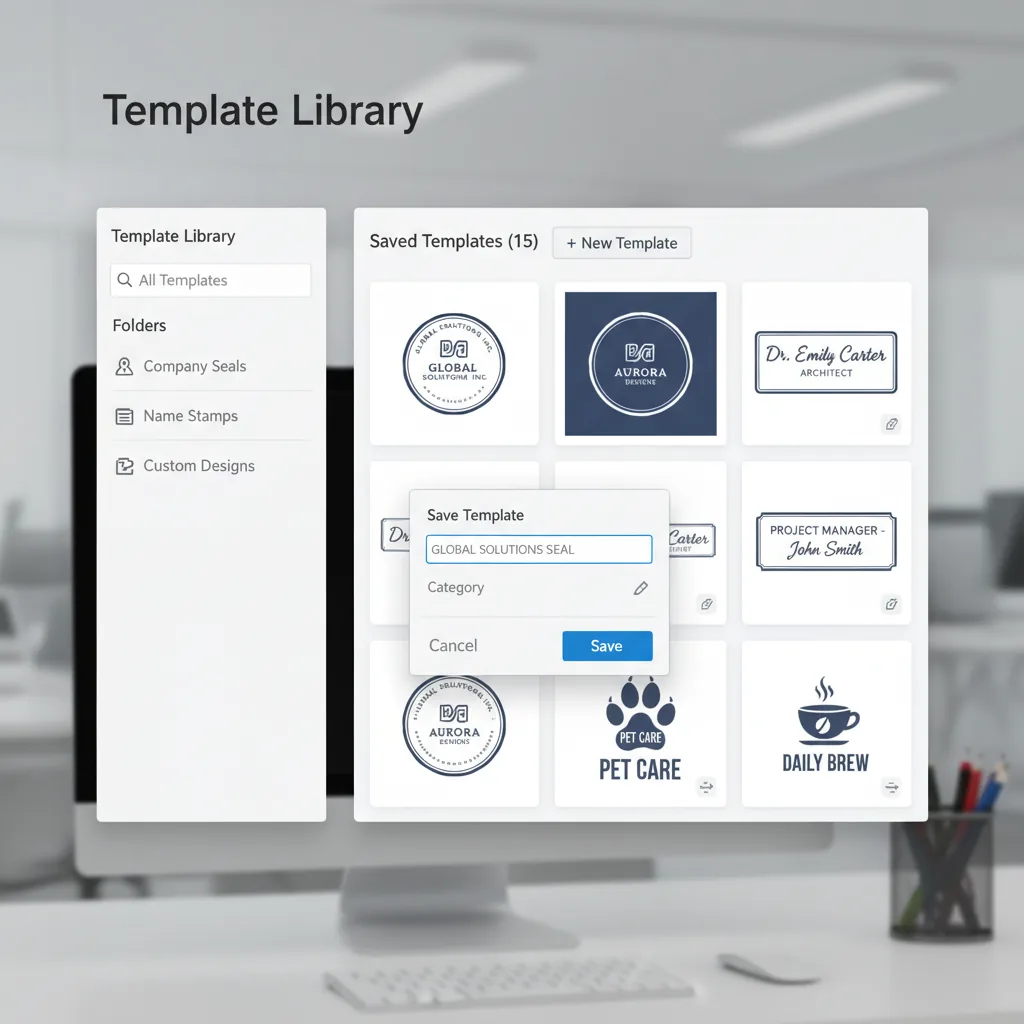
Save reusable templates
Store your common stamp styles as templates so the next job starts from something already proven.
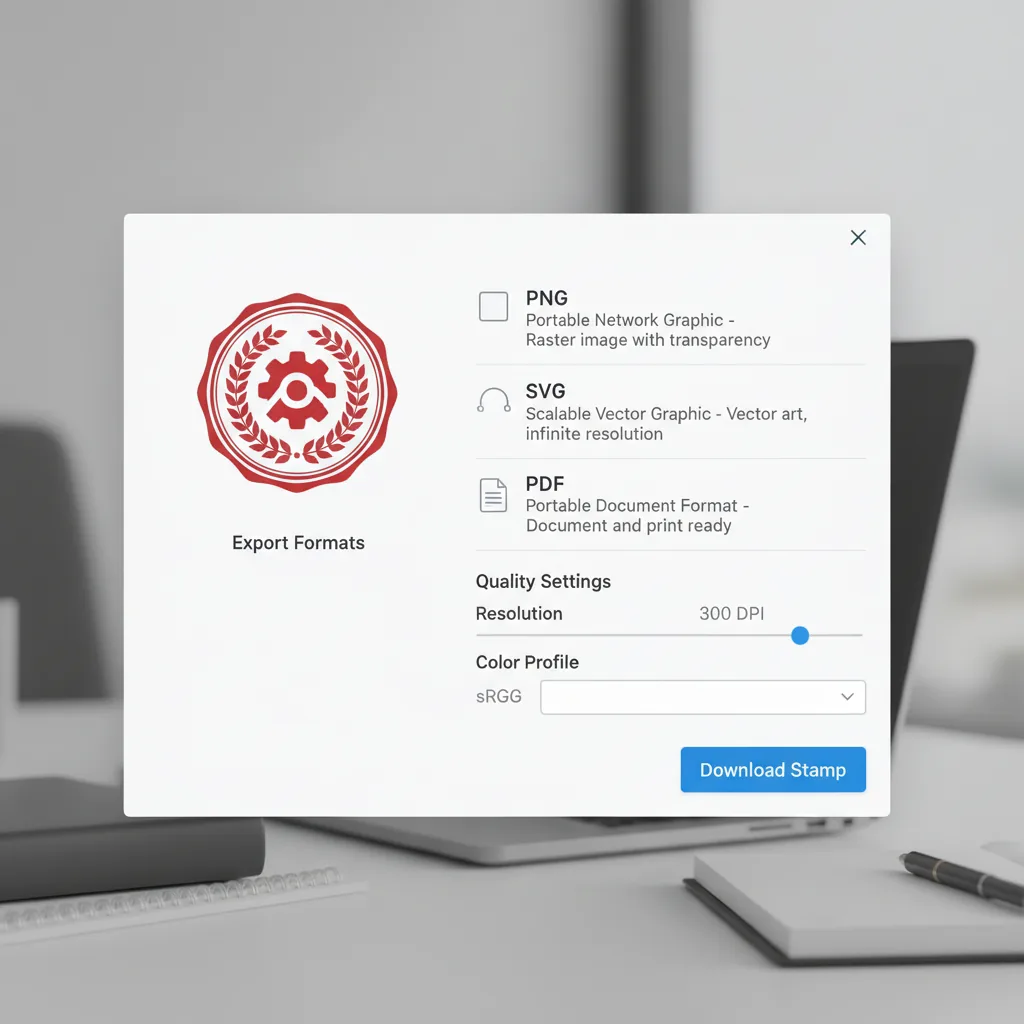
Export deliverable files
Export the result in formats that are easier to continue using in documents, images, and production handoff.
Editor snapshot
Three ways to think about the current homepage experience
The homepage is centered on templates, canvas editing, and getting a usable result out.
+1200
Starting points and templates
22 Million
Canvas and detail editing
+500
Output and application contexts
# What Stamp Maker does
Why this is not just a basic stamp generator
Stamp Maker is built to help you go from no electronic stamp to a result you can actually use in documents and images.
# MAKE
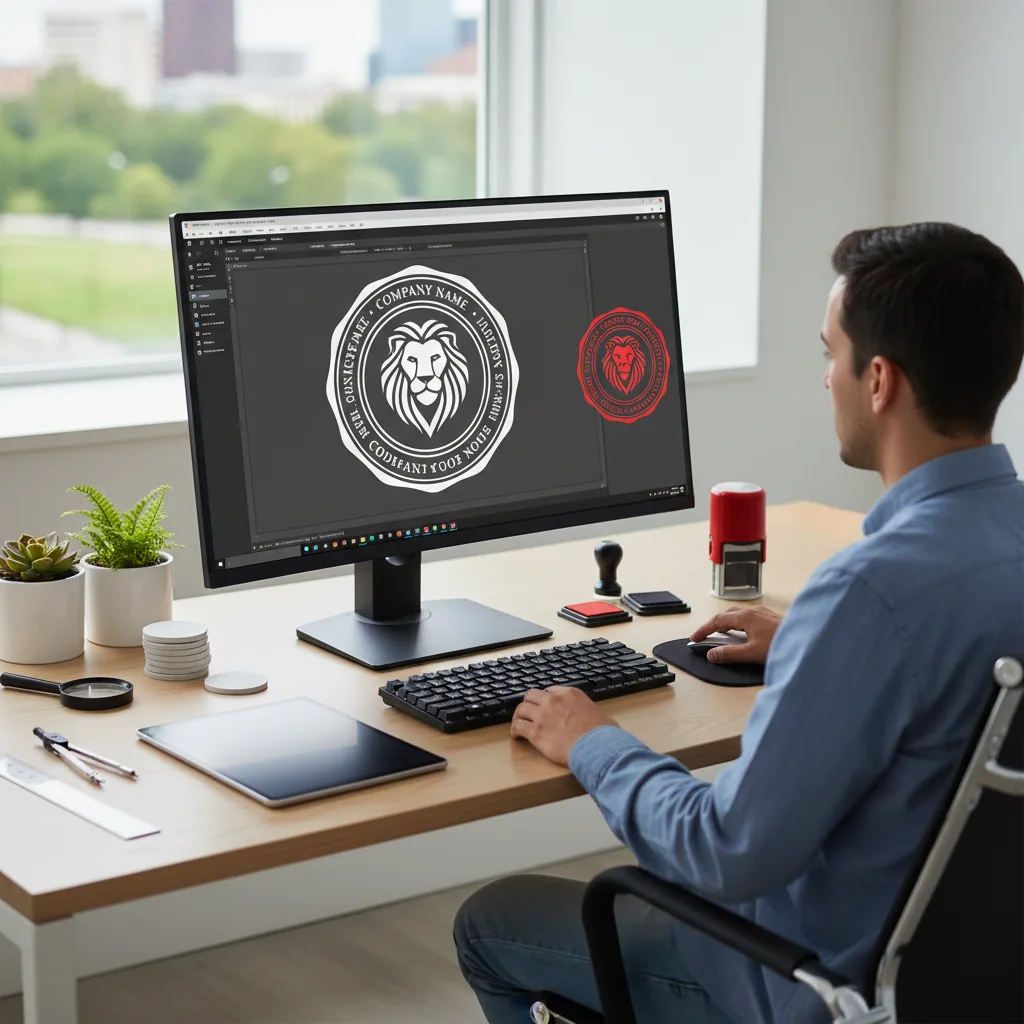
Create a usable electronic stamp from scratch
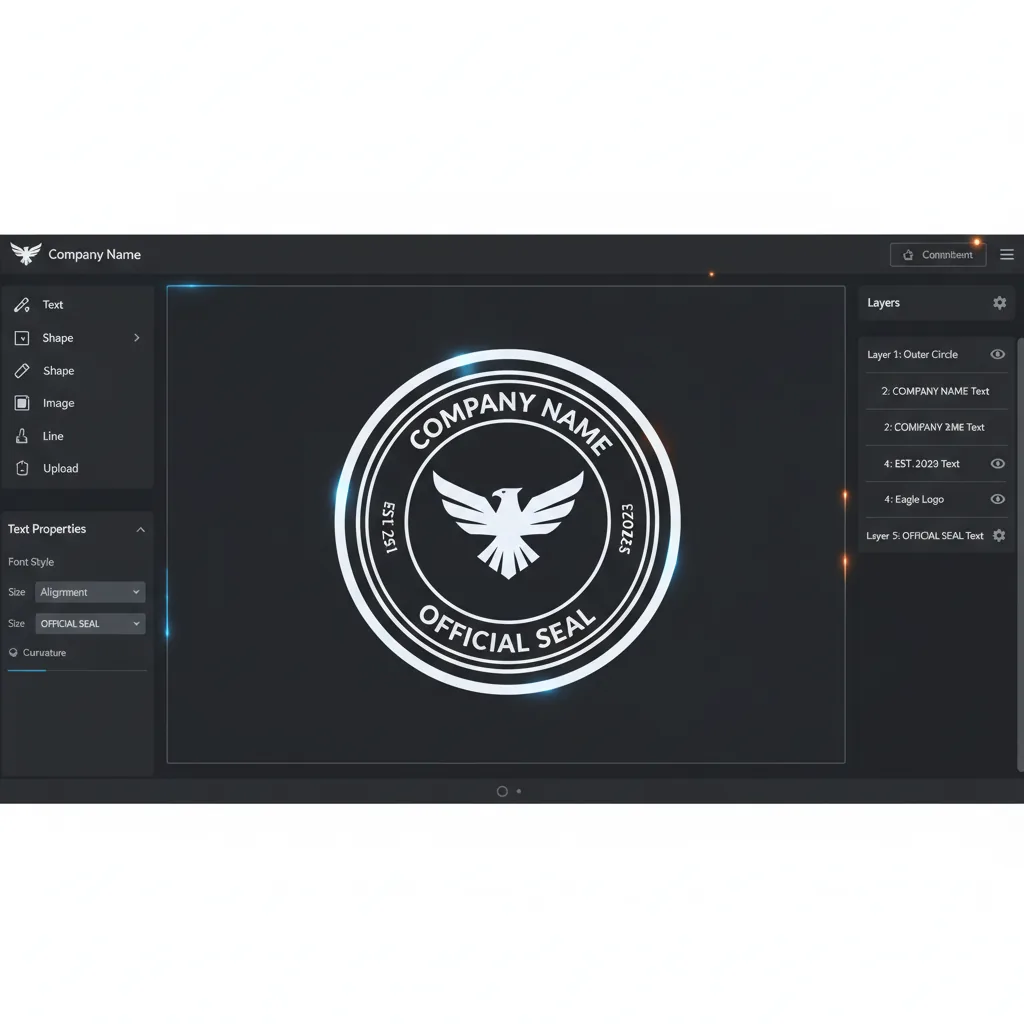
Start from a blank canvas or a template and use text, layers, and style controls to build company seals, name stamps, and other common stamp types.
- Start from templates or a blank canvas
- Use text and layers to build the structure
- Get to a usable source result quickly
# REPAIR + EXTRACT
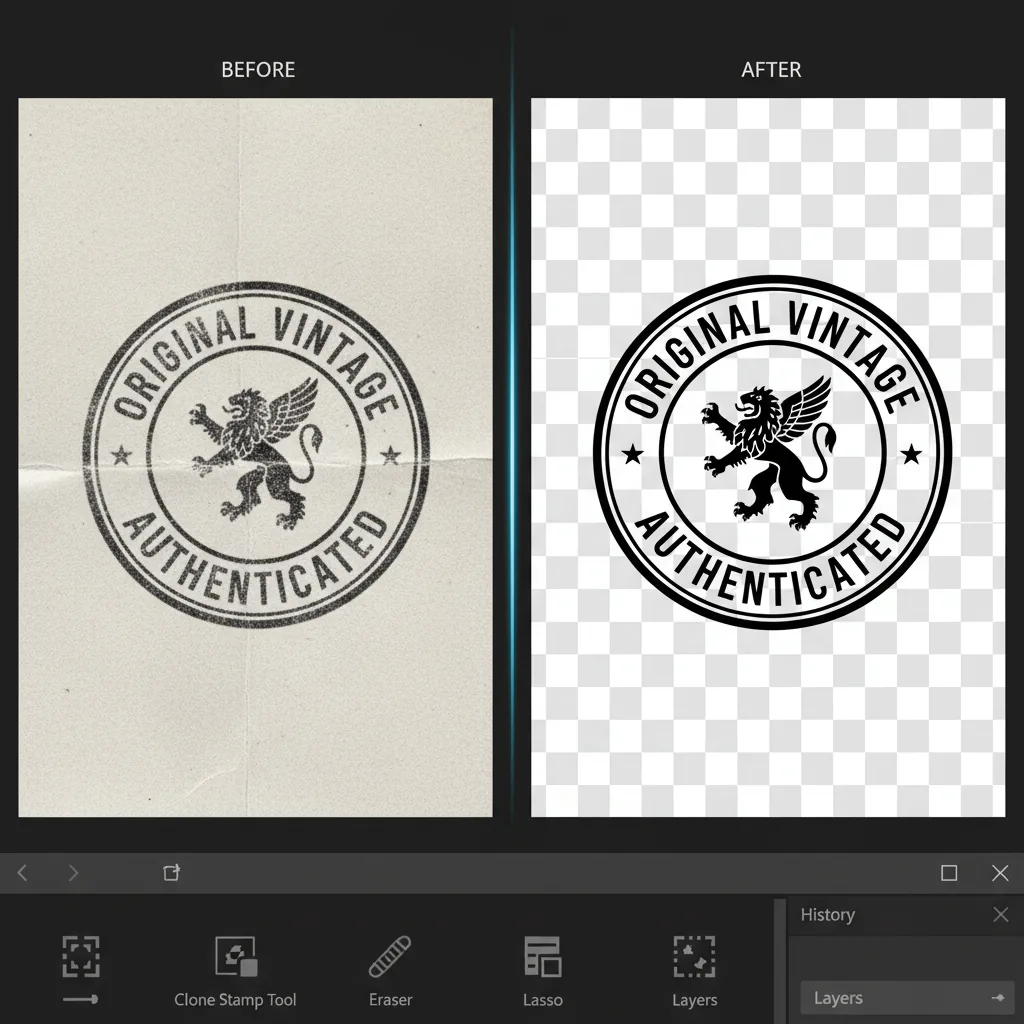
Repair old stamps and extract reusable artwork
If the starting point is a blurry legacy stamp, a scan, or a screenshot, the workflow keeps going through cleanup and extraction instead of forcing a rebuild.
- Repair blurry, washed-out, or rough edges
- Extract the stamp from scans and screenshots
- Prepare a cleaner transparent-background result


# APPLY
Keep moving into real file delivery
The goal is not a static asset sitting alone. The goal is to use the result in PDFs, images, contracts, invoices, and e-commerce materials.
- Apply the result in documents and images
- Export outputs that are easier to reuse
- Reduce tool switching across the workflow
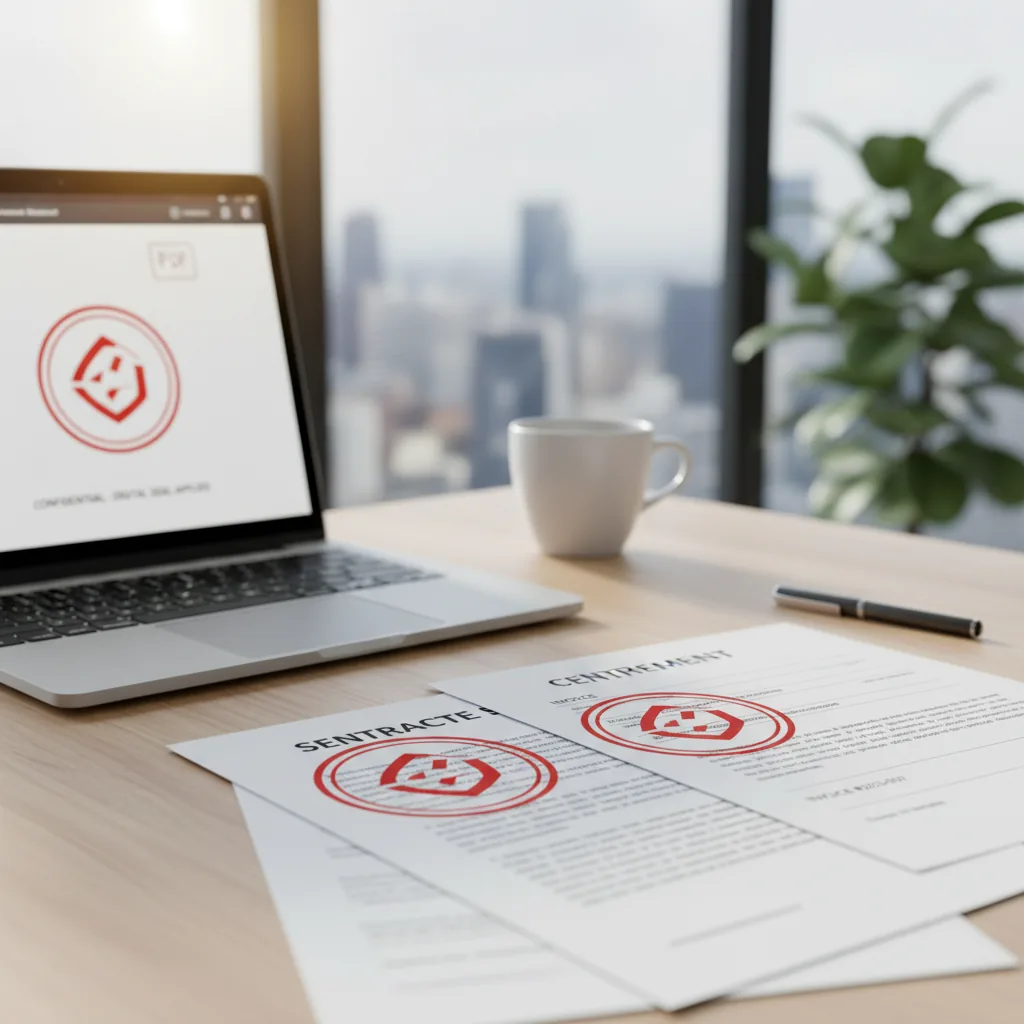
Who it is for
Teams and individuals who need usable stamp results
The product fits people who need to make seals, clean up old ones, or get stamped files out the door faster.
Office and admin teams
Prepare company seals, department seals, and confirmation stamps faster so common documents do not start from scratch every time.
- Company and department seals
- Reusable internal templates
- Faster contract paperwork
- Less repetitive rework
Finance and invoicing workflows
Keep stamp assets cleaner and more consistent across invoices, receipts, and finance-related files.
- Receipt and invoice preparation
- Old stamp cleanup
- Archive-friendly outputs
- Fewer tool switches
E-commerce and operations teams
Apply brand seals, approval marks, and supporting stamp graphics to product and service materials.
- Stamped product graphics
- Service notice assets
- Reusable brand marks
- Fast multi-scenario output
Legal and contract workflows
Get stamp assets into agreements, confirmations, and contract files with less manual assembly.
- PDF contract stamping
- Agreement preparation
- Consistent file outputs
- Less manual stitching
Design and content teams
When the stamp is part of a wider visual asset, the editor helps produce cleaner transparent-background versions for reuse.
- Transparent stamp assets
- More consistent appearance
- Use in promo graphics
- Better handoff into design files
Independent professionals and small businesses
People without complex design tools can still create and export personal name stamps and business stamps quickly.
- Fast personal stamp setup
- Small business seal workflows
- Low-friction browser use
- Works for high-frequency small jobs
Comparison
How Stamp Maker differs from other ways of handling stamps
The difference is not whether you can draw a stamp. It is whether you can move from stamp asset to usable output with less friction.
| Feature | Stamp Maker | Single-purpose stamp tool | Generic image editor | Manual / outsourced work |
|---|---|---|---|---|
| Getting started | ✅ Start in the browser | ✅ Often quick for one-off creation | ❌ More setup and skill | ⚠️ Depends on handoff |
| Workflow coverage | ✅ Make + Repair + Extract + Apply | ⚠️ Mostly creation | ⚠️ Possible but manual | ❌ Split across people and files |
| Create from scratch | ✅ Templates + editor | ✅ Usually yes | ✅ Yes, but slower | ⚠️ Requires briefing |
| Repair blurry old stamps | ✅ Built into the workflow | ⚠️ Limited | ⚠️ Manual editing | ⚠️ Depends on vendor |
| Extract from scans and screenshots | ✅ Designed for reuse | ❌ Often not the focus | ⚠️ Possible with manual steps | ❌ Usually requires manual cutout work |
| Apply to PDFs and images | ✅ Built for document use | ⚠️ Often needs another tool | ⚠️ Often needs another tool | ❌ Longer handoff to final files |
| Template reuse | ✅ Save reusable templates | ⚠️ Usually basic | ⚠️ Manual organization | ❌ Rebrief each time |
| Layer editing | ✅ Layers and properties | ⚠️ Basic editing | ✅ Powerful but heavier | ❌ Feedback loop only |
| Visual adjustments | ✅ Color, opacity, background, aged effects | ⚠️ Partial | ✅ Flexible | ❌ Slower revision loop |
| Export formats | ✅ PNG, SVG, PDF and more | ⚠️ Mostly image export | ⚠️ Depends on workflow | ⚠️ Depends on delivery |
| Team repeatability | ✅ Reusable templates and steadier output | ⚠️ Depends on manual habits | ⚠️ Depends on editor skill | ❌ Varies by vendor |
| Overall efficiency | ✅ One place, fewer tool switches | ⚠️ Solves one step | ⚠️ Strong but heavier | ❌ Back-and-forth slows delivery |
Video guides
Walkthroughs and workflow notes
This section only appears when relevant walkthrough videos are available for the current product.
Walkthrough videos are being prepared
We have not published product-specific walkthroughs for this workflow yet. Use the guides below while the first videos are being recorded.
- Practical demos will appear here once product walkthroughs are ready
- The related guides below cover the same workflow from a documentation angle
- As soon as video IDs are added, this section will switch to embedded playback automatically
Keep exploring
Why we are the leading custom stamp maker online
A complete digital stamp generator built for real business results
Don't just create an asset. Our platform is designed to take you from a blank canvas or blurry scan straight to a professional, usable output.
Why we are the leading custom stamp maker online
Don't just create an asset. Our platform is designed to take you from a blank canvas or blurry scan straight to a professional, usable output.
Seamlessly transition from creation and repair to extraction and application—all within a single digital stamp creator.

You need more than just a typical custom stamp maker
You need a workflow that carries through to delivery
Putting creation, cleanup, extraction, and output into one interface makes it easier to reach a usable final result.
You need more than just a typical custom stamp maker
Putting creation, cleanup, extraction, and output into one interface makes it easier to reach a usable final result.
- Start from a template or a blank canvas and build a usable electronic stamp quickly.
- When the input is an old blurry stamp, keep repairing and extracting instead of starting over.
- Use the result in PDFs, images, contracts, invoices, and e-commerce assets instead of stopping at the asset layer.
- Save templates, reuse styles, and reduce repeated setup across recurring work.

Core capabilities across stamp creation and output
The parts of the editor users touch most
Whether you start from a blank canvas, an old stamp image, or a file that still needs a stamp, the same workflow keeps moving forward.
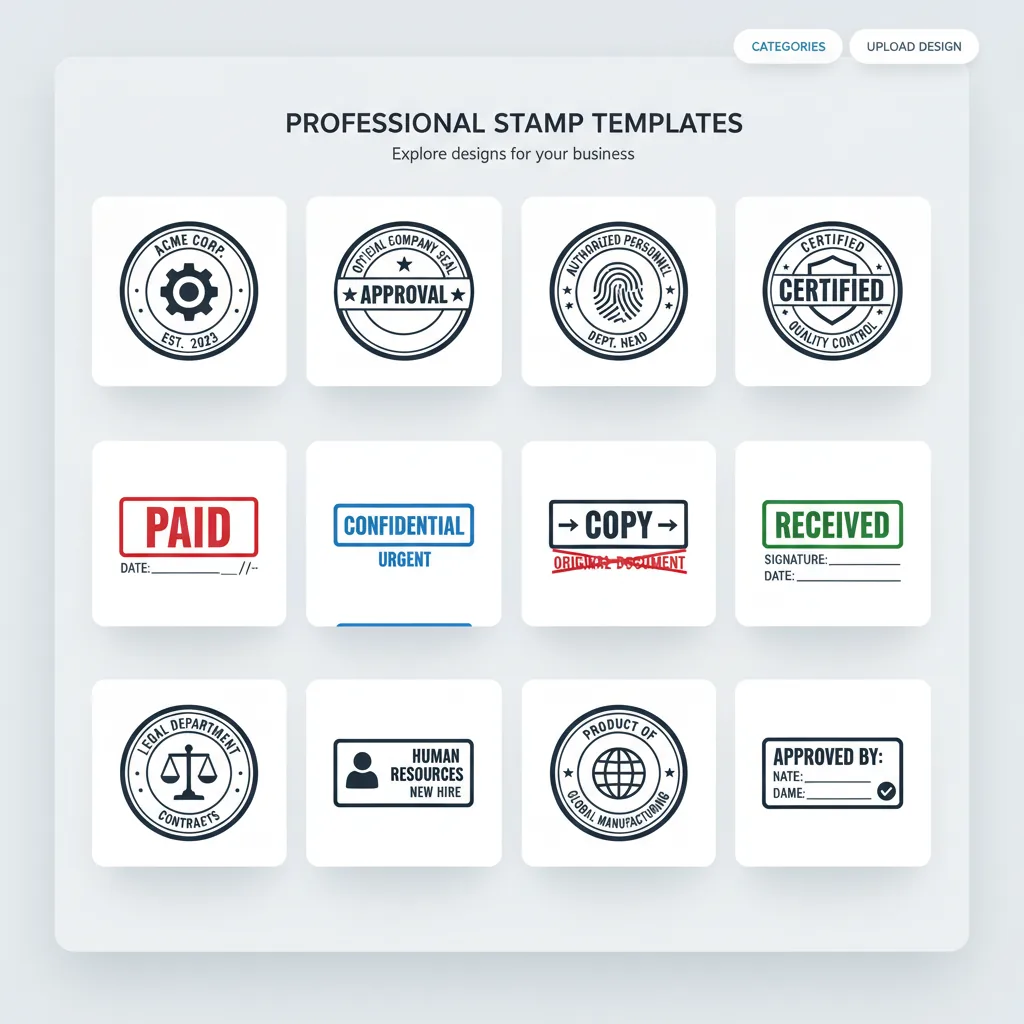
Template starting points
Built-in stamp templates and categories help users enter company seal, name stamp, and business stamp scenarios faster.
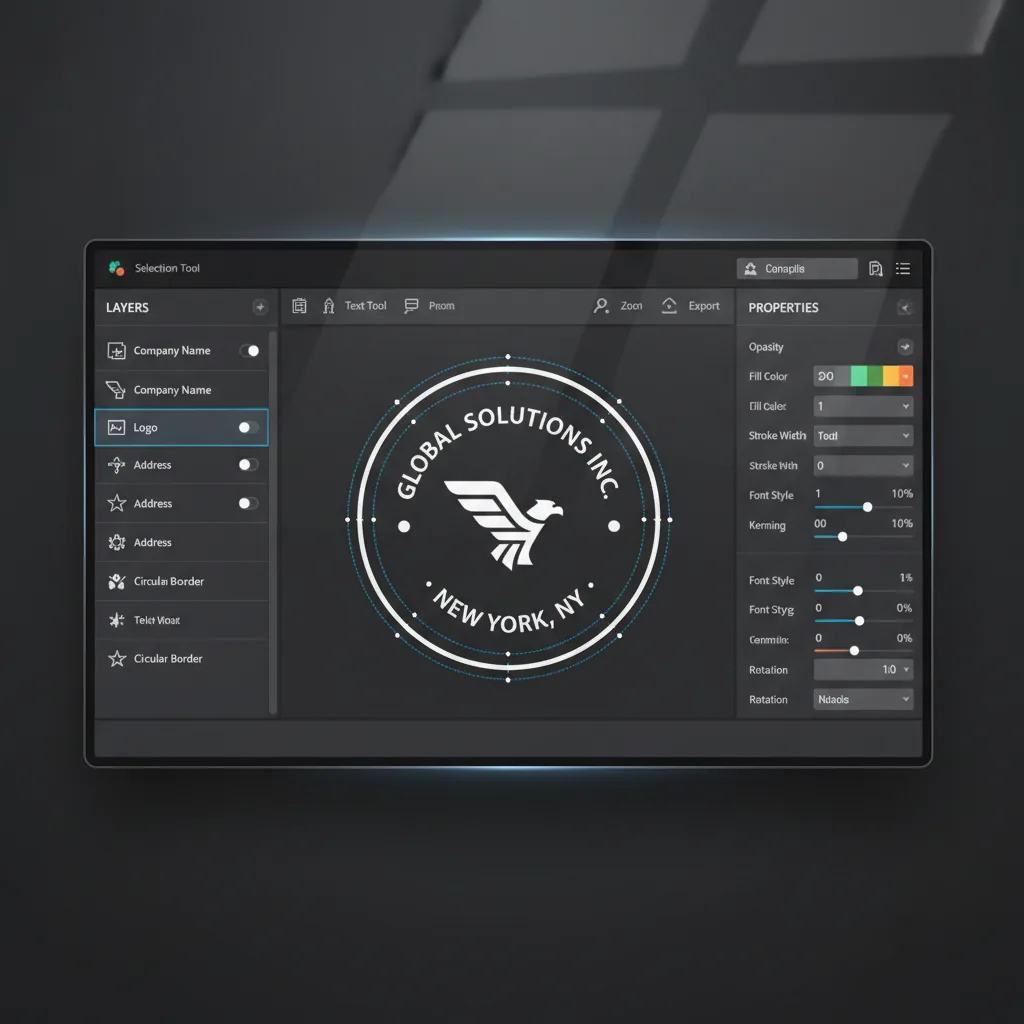
Layer editing
Use the layer list, canvas selection, and side properties panel to keep refining the structure and contents of the stamp.
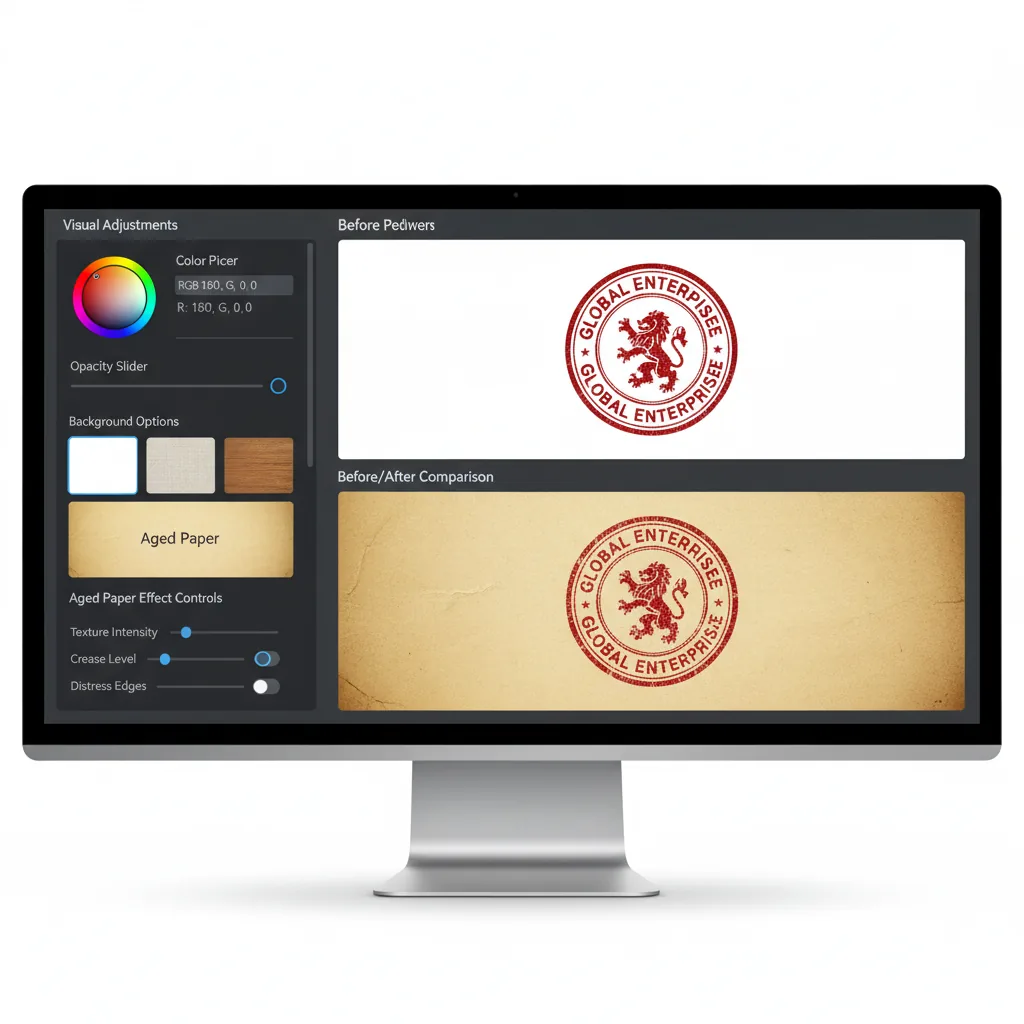
Visual adjustments
Tweak color, opacity, background, and aged effects so the stamp fits a more realistic document look.
Transparent background output
Prepare results that are easier to keep using in later document and layout workflows.
Save and reuse templates
Store frequently used stamp styles so the next task starts from a stable base instead of rebuilding.
Export formats
Export PNG, SVG, PDF, and other results based on the delivery context.
Pricing
Simple, Transparent Pricing
Choose a plan for AI stamp generation, high-resolution exports, and reusable stamp templates.
24:00:00
Limited offer
32 spots left
Save 50% on annual plans
- Start for free
- Cancel anytime
- Secure payment
Cancel anytime
Flash Sale 70%
Basic
$19.8$9.9/month
Perfect for hobbyists and beginners
★ 12,000 credits/year
Cost per 100 credits$0.99
Everything you need to start:
- ✓Stamp Maker Basic annual plan
- ✓1,000 credits per month, 12,000 credits per year
- ✓AI stamp image generation
- ✓Unlimited stamp image downloads
- ✓12,000 credits with annual billing
- ✓Permanent stamp image history
- ✓Commercial Use License
Flash Sale 60%
Flash Sale 50%
Enterprise
$99.8$49.9/month
For teams and businesses
★ 120,000 credits/year
Cost per 100 credits$0.5
Everything in Professional, plus:
- ✓Stamp Maker Enterprise annual plan
- ✓10,000 credits per month, 120,000 credits per year
- ✓AI stamp image generation
- ✓Unlimited stamp image downloads
- ✓120,000 credits with annual billing
- ✓Permanent stamp image history
- ✓Commercial Use License
Cancel subscription, please contact the support email: [email protected]
Frequently asked questions
Common questions about making, repairing, extracting, and applying electronic stamps
From stamp creation to stamped delivery, in one place
Make it, repair it, extract it, then apply it.
Start in the browser and move through the full electronic stamp workflow without installing design software.
- 4
- Core stages
- PDF+
- Common file scenarios
- Online
- Browser-based workflow

![Turn any PDF into a ready-to-send document in seconds. With StampMaker, you can: • upload a PDF • add stamps, signatures, or marks • export instantly Perfect for invoices, contracts, approvals, and internal reviews. Try it here: [http://stampmaker.io] #buildinpublic #saas https://t.co/8X2UkdvSet](https://pbs.twimg.com/media/HE84N2IboAAyEBy.jpg)